
What’s for dinner tomorrow?
It’s already in your plan.
Add your recipes to the week and their ingredients to your shopping list. Know what you want to cook and what you need to buy.
Plan with your own recipes and meals.
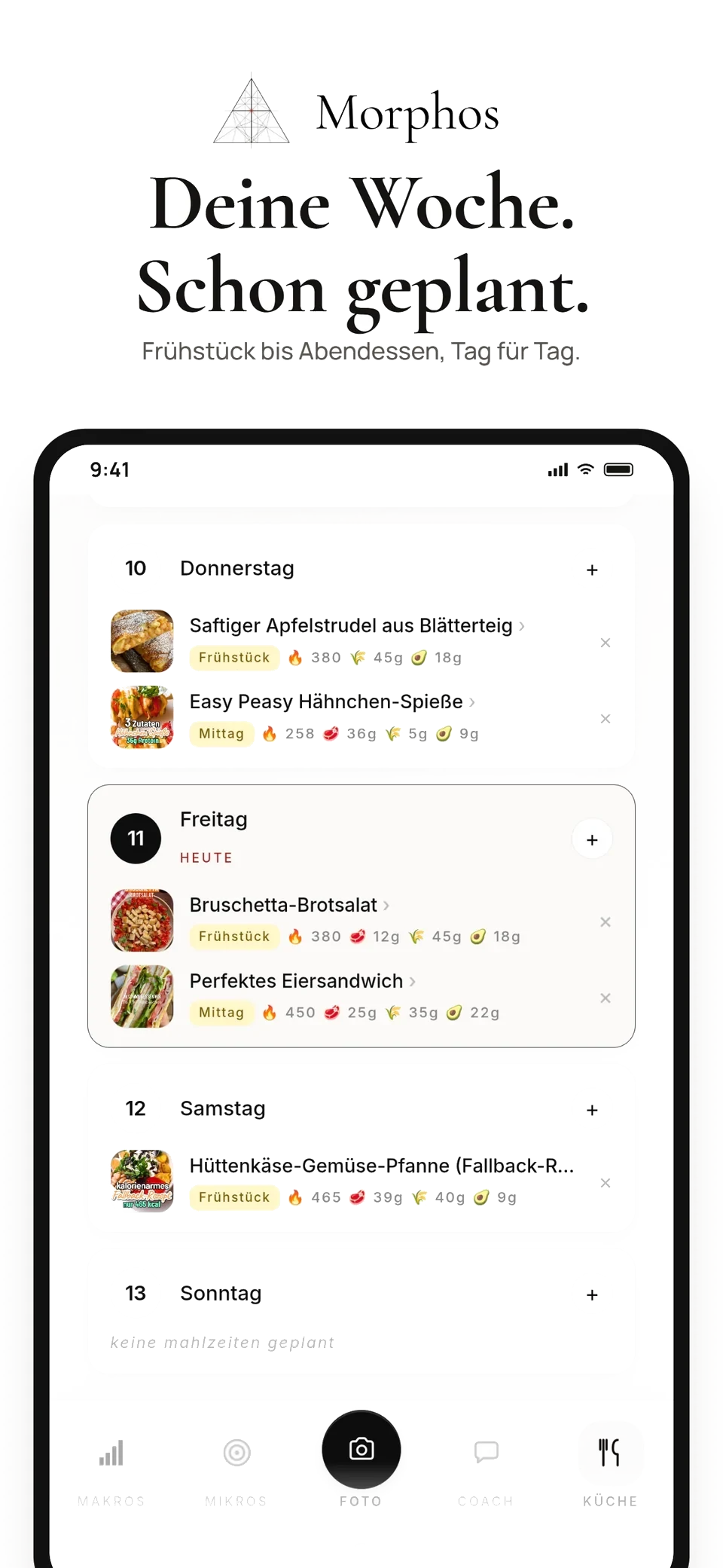
Choose your meals.
Then go shopping.
Start with dishes you feel like cooking. Build your shopping list from the ingredients in your planned recipes.
How to build your recipe collectionChoose a recipe and a day
Open the weekly planner and choose a meal. Add a saved recipe or create your own entry.
Add the ingredients
Add ingredients from your planned recipes to the shopping list. Entries without a recipe do not include ingredients.
Review and tick off
Compare the list with your pantry, add any missing items and tick off what you have as you shop.
Your ingredients.
Already on the list.
No need to copy each recipe ingredient by hand. Add them to your Morphos list and keep track of what you still need while shopping.
Add items, review quantities and tick off what you have. Your list stays editable; you decide what is already in your pantry.
Get started with Morphos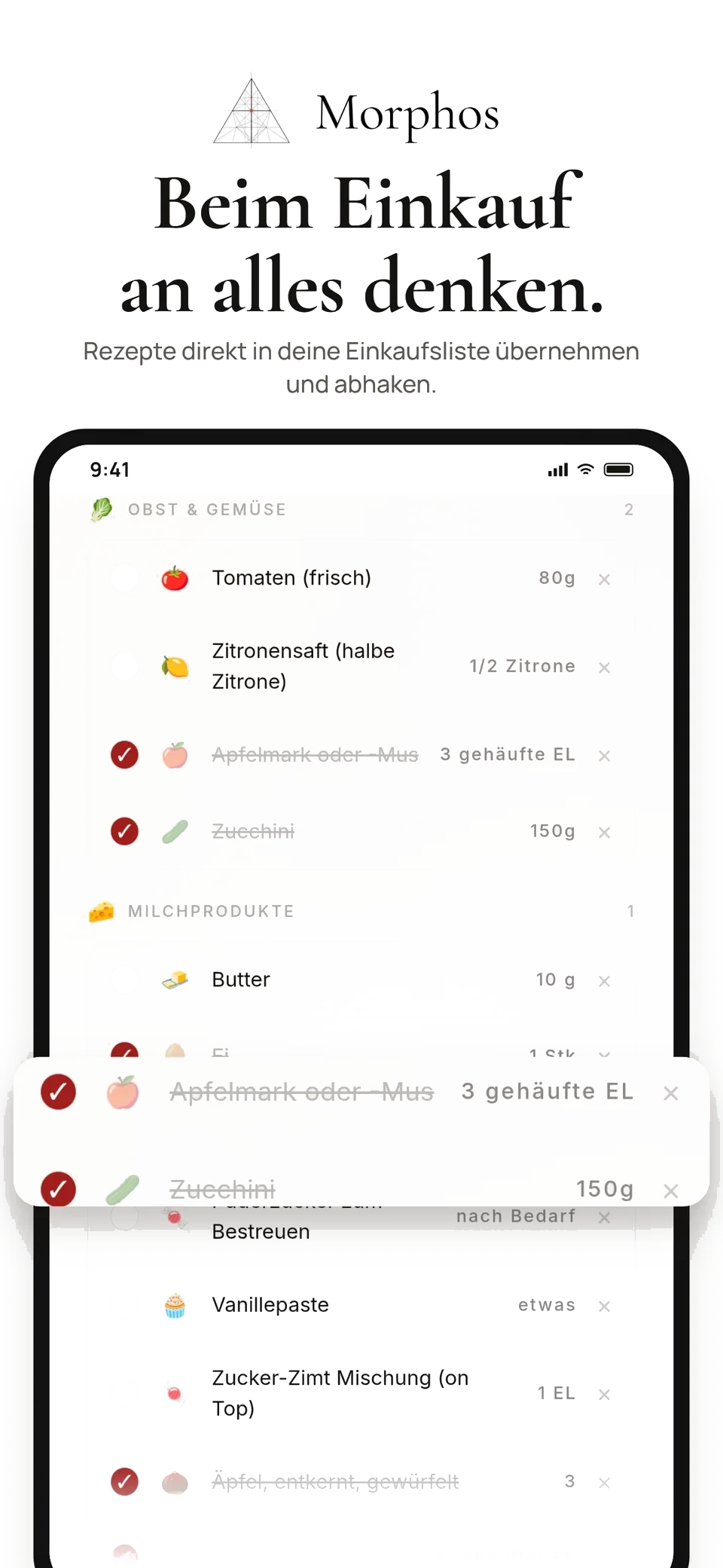
How do I create my meal plan?
Choose a day and a meal in the weekly planner. Add a recipe from your collection or enter a meal yourself. You can move between weeks and remove planned entries.
How do ingredients get onto the shopping list?
Use “Week → Shopping list” to add ingredients from your planned recipes. For an individual recipe, you can select the ingredients you need. Check your pantry first, then review the quantities on your list.
Does every planned meal need a recipe?
No. You can add an entry such as “Yesterday’s leftovers”. These entries do not have recipe ingredients for Morphos to add to the shopping list.
Does Morphos generate the entire week automatically?
This page shows the weekly planner you fill with your own recipes and meals. You decide what to eat and when.
Can I use the meal planner yet?
Start by setting up your Morphos profile. The pricing page explains the included features; you confirm your plan and terms when selecting a subscription.
Recipes in your plan.
Ingredients on your list.
Plan your meals and your next shopping trip with Morphos.